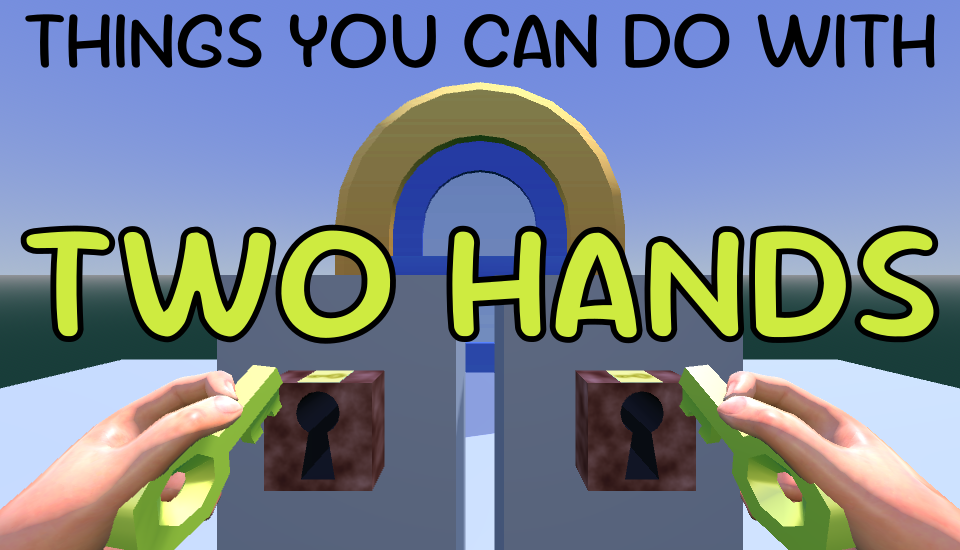
Things You Can Do With Two Hands
Things You Can Do With Two Hands
This is a VR-exclusive short experience, submitted as an entry to the Godot XR Game Jam. Came in second place!
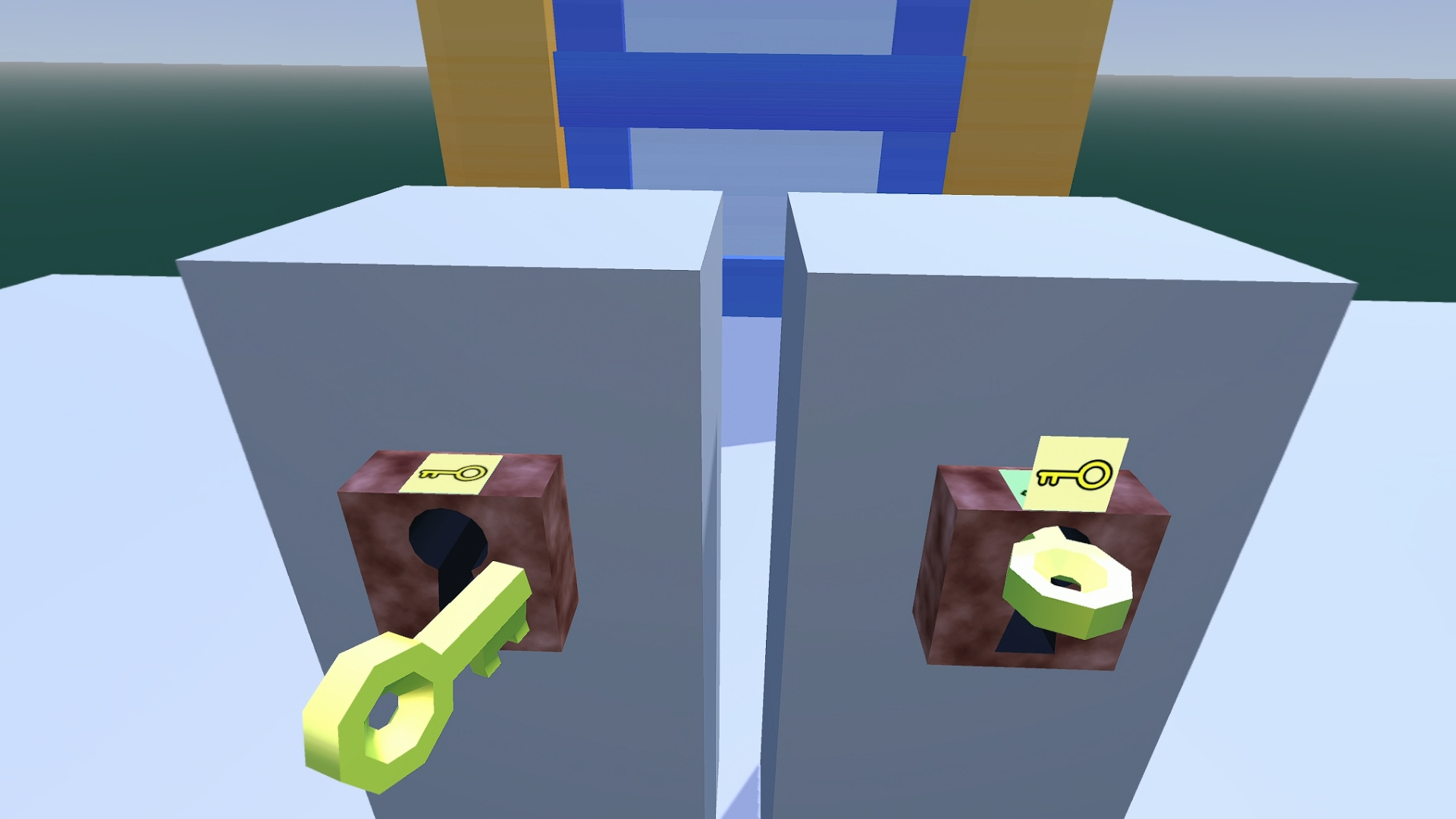
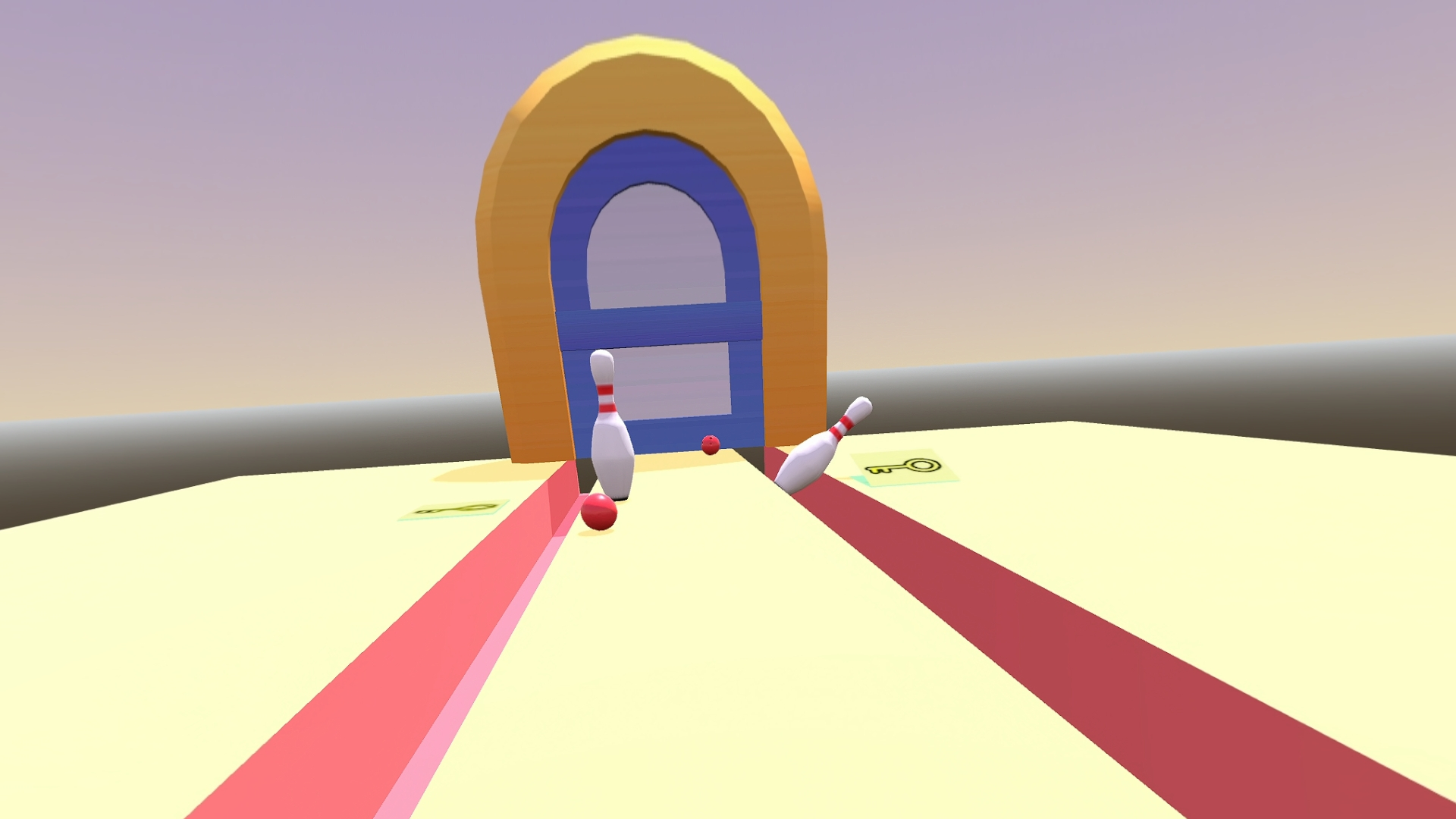
A collection of short scenes, each requiring some action to be performed using both hands simultaneously. Requires room scale (about 2x2 metres) and mobility (crouching, stretching). Activities that are too difficult to perform may be skipped. Controllers recommended (hand tracking is experimental).
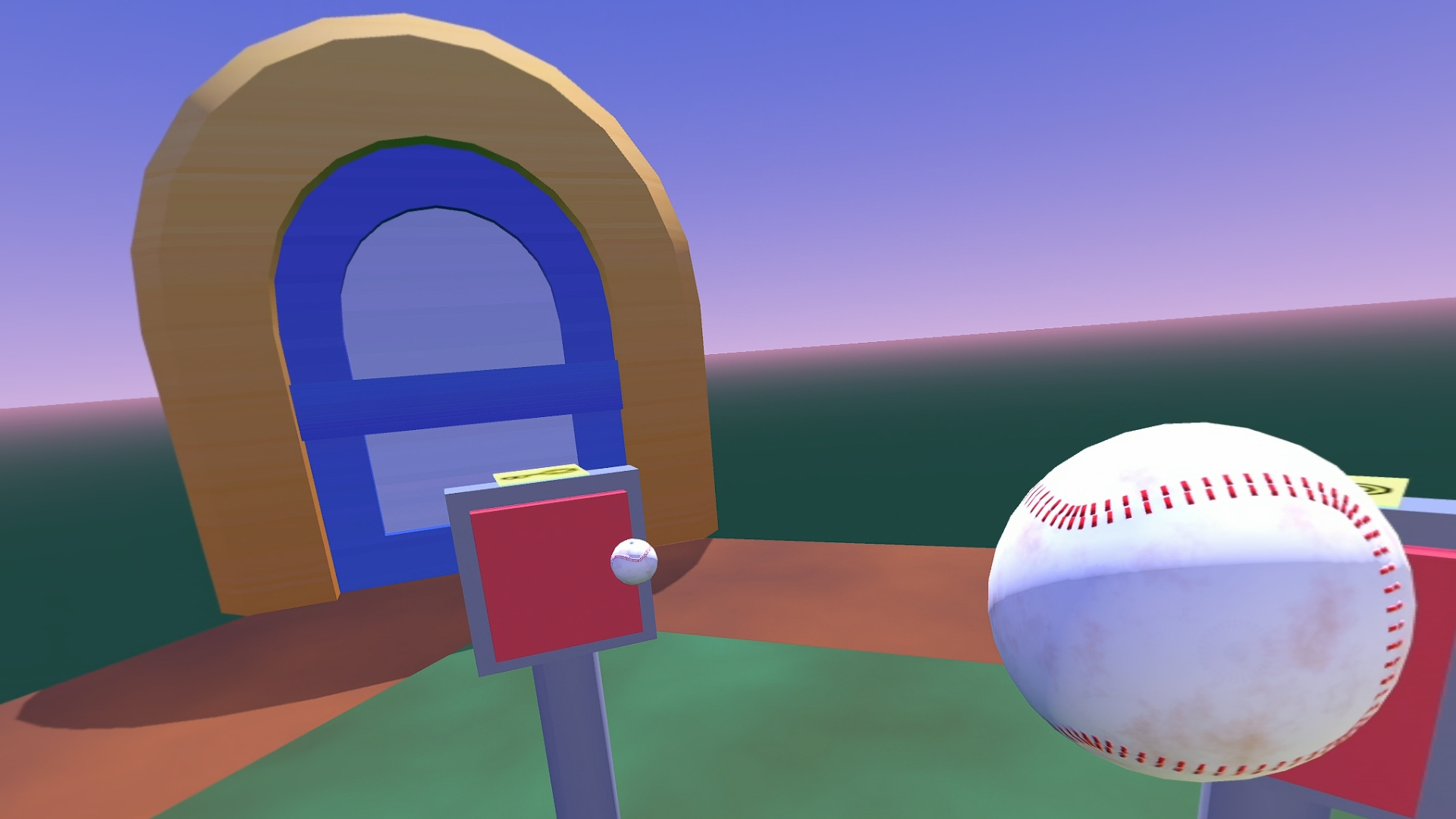
Some activities require throwing. Hand straps on!
Setup
I have provided WebXR and native Windows (OpenXR) builds.
- The WebXR build can be run natively on a device such as a Quest, or on a PC via Chrome. Just click "Run game" above, then "Enter WebXR". (On PC, you should first connect your headset.) Unfortunately, many Android devices including my Pico 4 will not run this natively, but you can still run it through a PC.
- The WebXR build can be run on PC via Google Chrome. If using Virtual Desktop, make sure the XR Runtime is set to VDXR.
- The OpenXR build for Windows should work on any PC VR setup - for example, you can use it with SteamVR or directly with Virtual Desktop. Just make sure your XR Runtime is running first, then run the .exe, which you can download below. Note that the binary is unsigned and will give a security warning.
Once the game starts, you should calibrate by holding B (or the equivalent on your right hand controller; see below) for three seconds. Several things in the game will be adjusted to suit your height.
Controls
Mostly play by moving your hands.
Some objects must be thrown. On controllers, squeeze the triggers or grips, and release to throw. If using hand tracking, make a fist then open to throw.
System controls use a long-press on the buttons or D-pad (a word will appear above the hand to indicate a long-press):
- To calibrate, long-press B or the up track pad on the right hand, or make a pinch gesture with your right hand.
- To skip a level, long-press A/X or the down track pad on either hand, or make a pinch gesture with your left hand.
- To quit, long-press Y or the up track pad on the left hand. (Not available on Web, just take off the headset and close the tab.)
Testing note
I tested this on a Pico 4 headset.
- WebXR (Windows): Chrome -> Virtual Desktop -> Pico 4
- OpenXR (Windows): SteamVR -> Virtual Desktop -> Pico 4
- Friends have tested the WebXR version on a Quest 2.
- Other headsets may or may not work, but I tried to set up good action maps for other devices. I did not personally test hand tracking.
Source code
Source code is provided (as-is) under the MIT license: github.com/mgiuca/two-hands
Credits (may contain spoilers)
Entire game was designed, programmed and implemented by Matt Giuca, other than the assets listed below.
Artwork
- Key and door from Platformer Kit by Kenney. License: Creative Commons 0.
- CGI Moon Kit by NASA's Scientific Visualization Studio. License: Public Domain.
- Visualizer: Ernie Wright (USRA)
- Scientist: Noah Petro (NASA/GSFC)
- Deep Star Maps 2020 by NASA's Scientific Visualization Studio. License: Public Domain.
- NASA/Goddard Space Flight Center Scientific Visualization Studio. Gaia DR2: ESA/Gaia/DPAC. Constellation figures based on those developed for the IAU by Alan MacRobert of Sky and Telescope magazine (Roger Sinnott and Rick Fienberg).
All other 2D and 3D art was created by Matt Giuca.
Sounds
- Key in lock old by SPAudiobooks. License: Creative Commons 0
- Opening and closing a big old door by lazymonk. License: Creative Commons 0
- Deep Thumps by eardeer. License: Creative Commons 0
- Bowling ball rolling by ZusIsKing. License: Creative Commons 0
- Single bowling pin knock by Rvgerxini. License: Creative Commons 0
- Night Ambience by brunoboselli. License: Creative Commons 0
- Metal stick hit, long sustain by cynical2207. License: Creative Commons 0
- Metal Tapping and Hitting by imnotdubMass. License: Creative Commons 0
- Pop 1, 2, 3 by quatricise. License: Creative Commons 0
All other sounds were recorded or created by Matt Giuca.
Music
- "Wiegenlied", composed by Johannes Brahms, arranged by Matt Giuca. License: Public Domain.
Software
- Engine: Uses Godot 4.5. License: MIT License.
- Includes WebXR Polyfill. License: Apache License 2.0.
- Includes WebXR Layers Polyfill. License: Apache License 2.0.
Download
Leave a comment
Log in with itch.io to leave a comment.