
Practice Makes Perfect
Jam with your friends: play a song one part at a time (drums, guitar and violin), each with their own mechanics. You'll practice each part until it's perfect, then move onto the next one. When you're done, you'll have played a complete song!
Made for the GMTK Game Jam 2025 in four days, as a solo project. The theme of the jam is "Loop". © 2025 Matt Giuca.
How to play
Play in the browser above, or download below for Windows or Linux. Browser version works on mobile but sadly, the sound is a bit choppy.
Use either a keyboard, controller or touch screen. Look in the lower-right corner for the controls relevant to your current input mode. Please turn on your sound!
The controls vary by which performer is playing, but there are always only two controls:
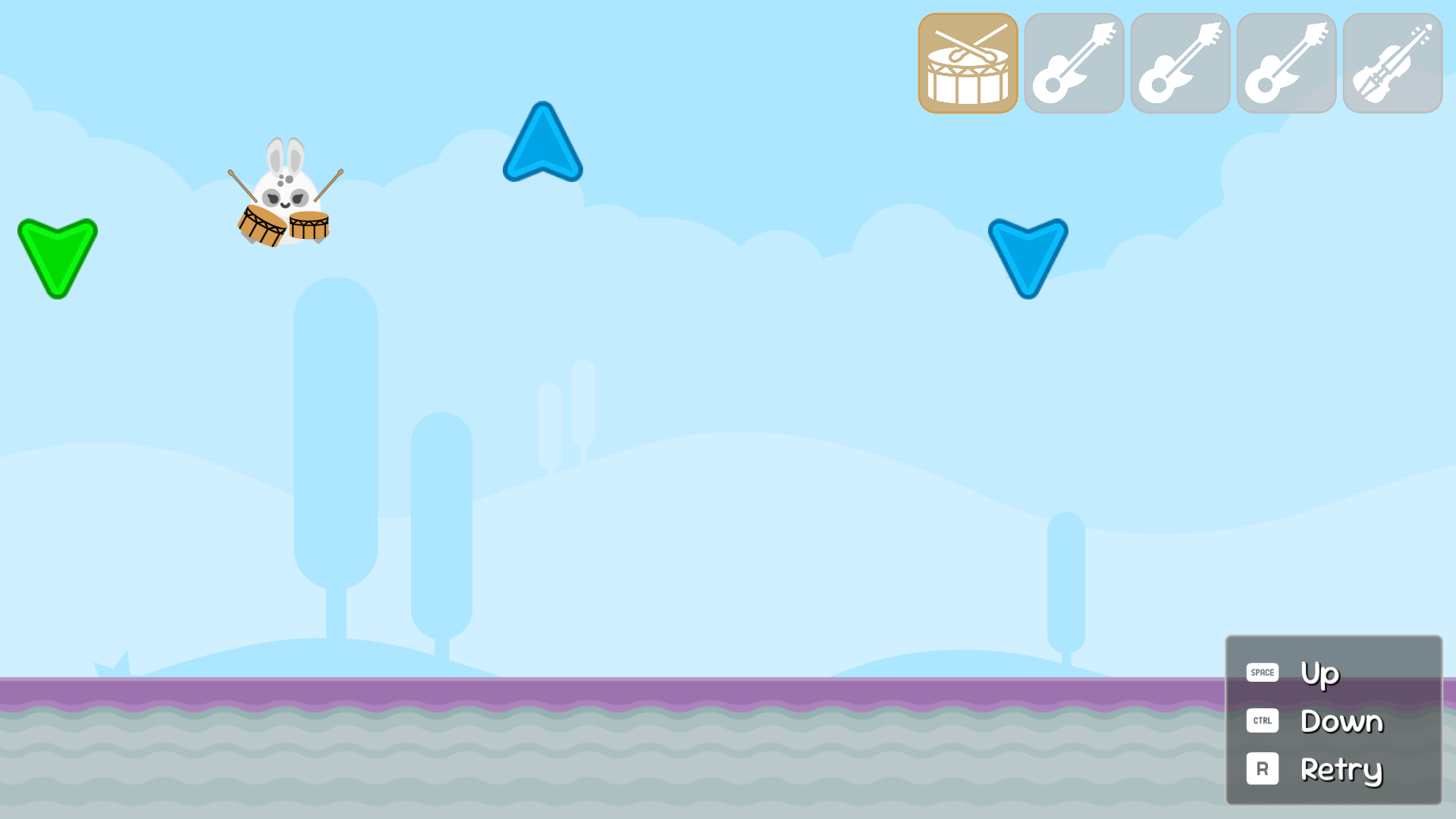
- Drums: Space / A / Right-side plays the "up" arrows (snare). Ctrl / D-pad-down / Left-side plays the "down" arrows (kick).
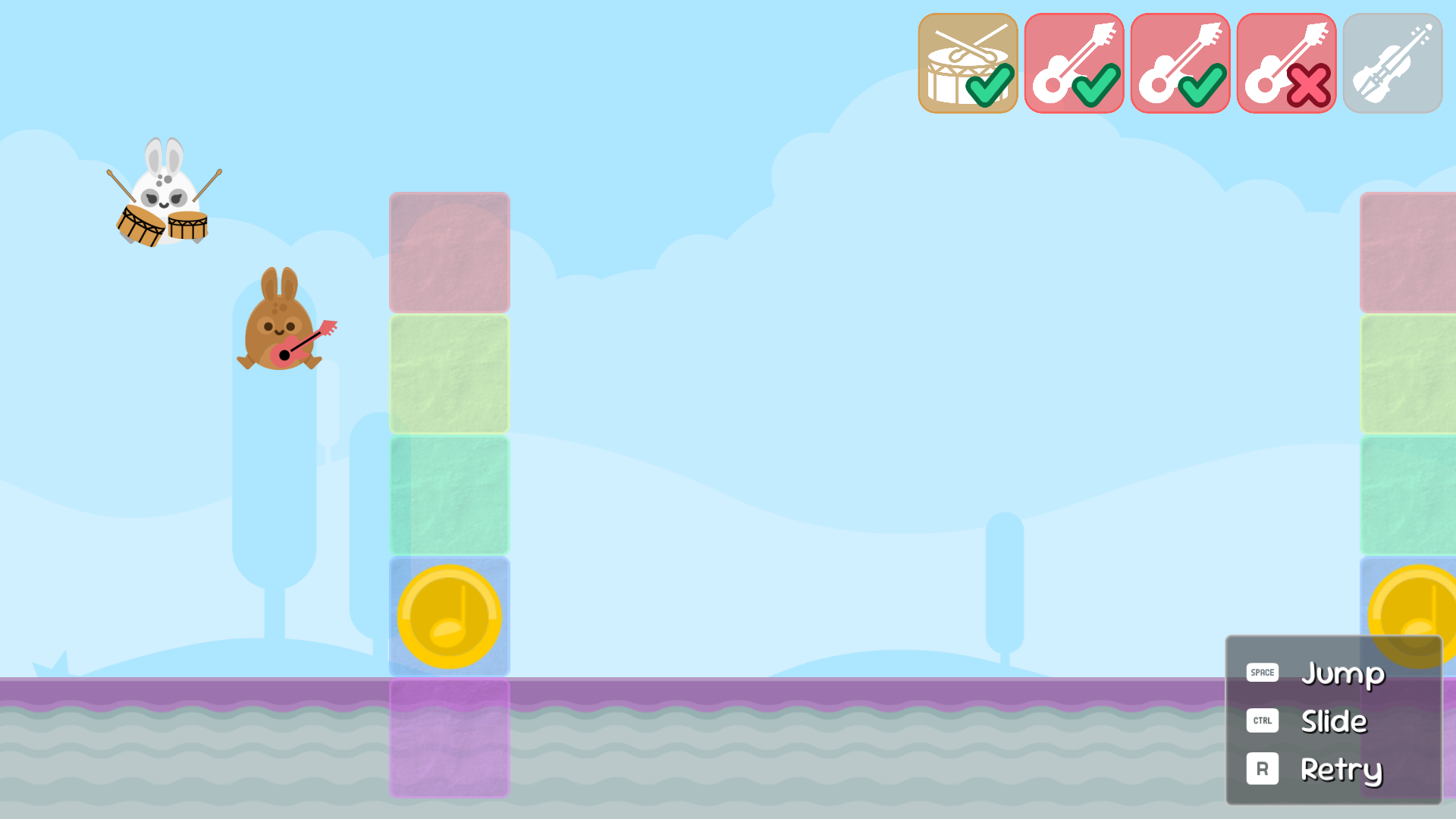
- Guitar: Space / A / Right-side jumps. Ctrl / D-pad-down/ Left-side slides in the air or along the ground.
- Violin: Space / A / Right-side floats upwards. Ctrl / D-pad-down/ Left-side holds a fixed note.
If you mess up and want to loop back around quickly, press R or the controller back button, or tap the Retry button.
(Note: As an alternative scheme, keyboard players can also use Up/Down or W/S arrows. Controller players can also use the A/X buttons or the D-pad-up/D-pad-down buttons.)
Tips
- Guitar: Sliding (Ctrl/D-pad-down/left-side) while on the ground will cause you to grab a note underneath the ground. This is needed for the lowest (purple) notes.
- Guitar: Sliding (Ctrl/D-pad-down/left-side) in the air is really helpful for lining up a note ahead of time. Just jump in front of a note and tap the slide to hold that position.
- Guitar: You need to stand on a platform to reach the highest note.
- Violin: Make sure you are using hover (Ctrl/D-pad-down/left-side) when lined up with a note to lock onto the correct note and hold it.
- Violin: You can press up (Space/A/right-side) without letting go of hover, to do a quick move up, then release to go back to hovering.
- Drums: Feel free to lay down some extra beats to your liking - you won't be penalized.
- You can hide the controls panel in Settings.If you're really stuck on a section, you can use a cheat key: backtick (` or ~ key) skips ahead to the next player (or advances to the harder guitar bit).
Credits
Game design and programming by Matt Giuca.
Music by Matt Giuca... and you!
Most of the art is by Kenney. License: (Creative Commons Zero, CC0)
Additional artwork:
- Drum icon by Delapouite. License: CC BY 3.0
- Guitar icon by Lorc. License: CC BY 3.0
- Violin icon by Zajkonur. License: CC BY 3.0
Additional artwork by Matt Giuca.
Music and musical instrument sounds created with Surge XT.
Made with Godot 4.
Other software used:
Download
Development log
- Minor touch hotfixAug 11, 2025
- Post-jam hotfixAug 09, 2025
- How I used a MIDI editor to make levels for Practice Makes PerfectAug 06, 2025

Leave a comment
Log in with itch.io to leave a comment.